5 Business Workflows You Can Automate With AI This Month
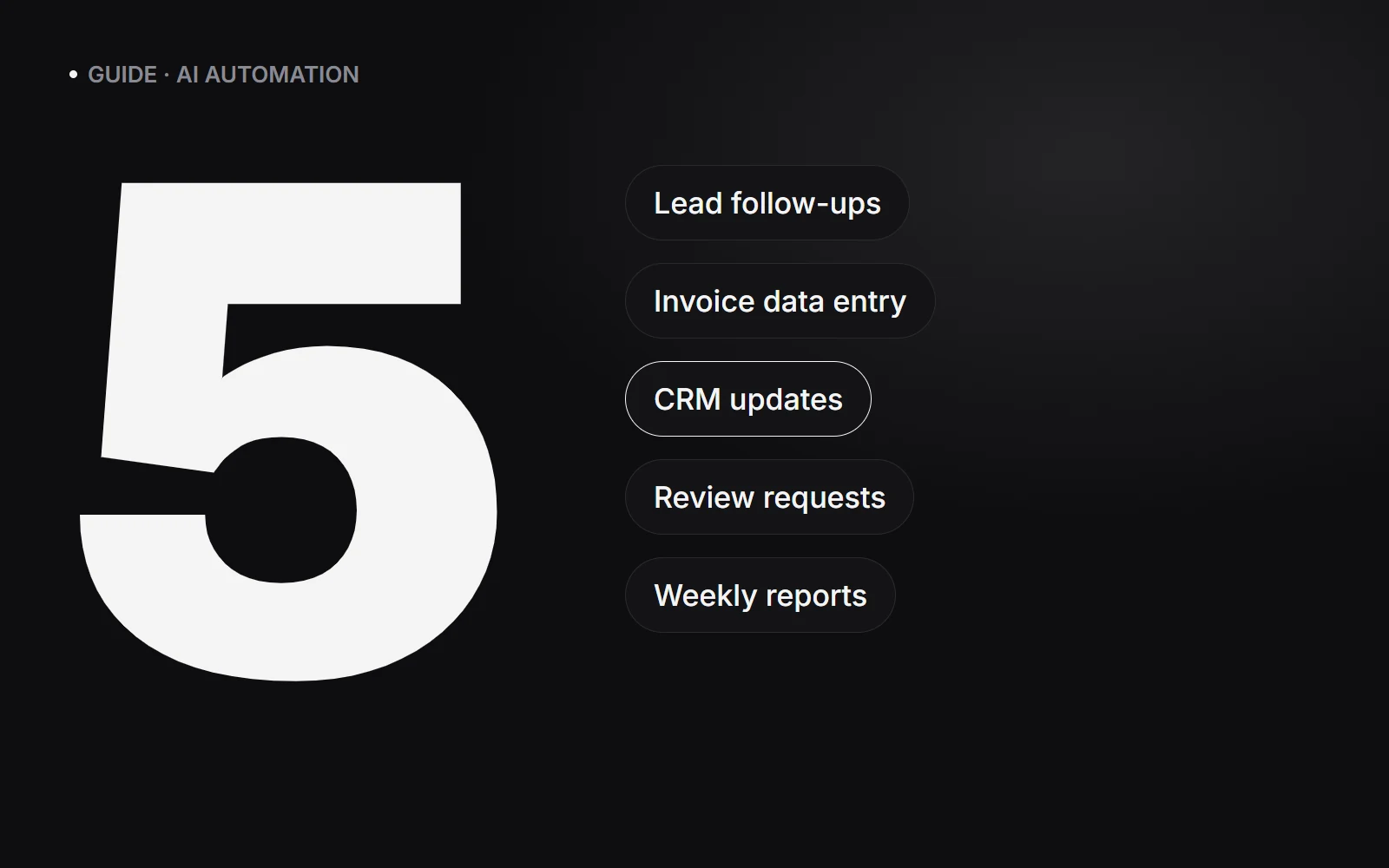
The five workflows that pay off fastest are instant lead follow-up, invoice and document data entry, CRM updates, review requests and weekly reports. Start with the one that eats the most hours each week, connect the tools you already use, and keep a person approving anything customer-facing at first.
How to pick what to automate first
Good candidates are tasks that happen often, follow the same steps every time and involve copying information from one place to another. List your team’s repetitive tasks, estimate the hours each takes per week, and start with the biggest one that does not need judgement on every step.
1. Instant lead follow-up
Leads go cold quickly. When someone fills in a form or messages you, an AI assistant can reply within a minute on WhatsApp or email, ask two or three qualifying questions, answer common questions from your own information and offer a call slot.
Hot leads are flagged for a person straight away; the rest get polite, consistent follow-ups instead of being forgotten.
2. Invoice and document data entry
AI models can read invoices, receipts, purchase orders and forms (PDFs, photos or emails) and pull out the fields you need: supplier, date, amount, tax, line items. Those land in a spreadsheet or your accounting tool for a quick check instead of manual typing.
3. CRM updates that write themselves
After a call, email thread or chat, an automation can summarise what was discussed, log it against the right contact, update the deal stage and create the next task. Your CRM stays accurate without anyone spending their evening updating it.
4. Review requests after every job
When a job is marked complete or an order is delivered, send a short personalised message asking for a Google review, with a direct link. If the customer replies with a complaint, route it privately to a person instead of to a public review.
5. Weekly reports in plain language
Pull the numbers that matter from analytics, ads, your CRM and sales tools every Monday, and have AI write a short summary: what changed, what is working and what needs attention. It arrives by email or WhatsApp, so decisions happen without anyone building a report.
What tools does this use?
- An automation platform to connect your apps, such as n8n, Make or Zapier.
- An AI model to read, write and decide, such as OpenAI, Claude or Gemini via their APIs.
- The tools you already use: your CRM, Google Sheets, accounting software, email and the WhatsApp Business API.
You rarely need to replace your existing software. Most of the value comes from connecting it.
Guardrails that keep it safe
- Keep a person approving customer-facing messages until you trust the output.
- Give the AI your real information (prices, policies, FAQs) so it does not guess.
- Only send the data each step needs, and use providers with clear data-handling terms.
- Log every run so you can see what happened and fix mistakes quickly.
Frequently asked questions
Do I need to change my CRM or software to use AI automation?
Usually not. Automation platforms connect to most popular CRMs, spreadsheets, accounting and messaging tools, so the AI works with what you already use.
Will AI reply to my customers on its own?
Only if you want it to. Most businesses start with AI drafting replies for a person to approve, then let it handle routine messages once they trust the results.
How long does it take to set up an AI workflow?
A single, well-defined workflow such as lead follow-up or invoice extraction typically takes days to a couple of weeks, including testing with real examples.
Is my business data safe with AI tools?
It can be. Use reputable AI providers with business data terms, send only the data each step needs, keep access restricted and log every automated action.