WordPress vs Shopify vs Framer vs Squarespace: Which Should You Build On?
Choose Shopify if you mainly sell products, WordPress if your site is content-heavy or needs lots of flexibility, Framer for a design-led marketing site your team edits itself, and Squarespace for a simple all-in-one small business site. Choose custom code when you need logins, dashboards or complex integrations.
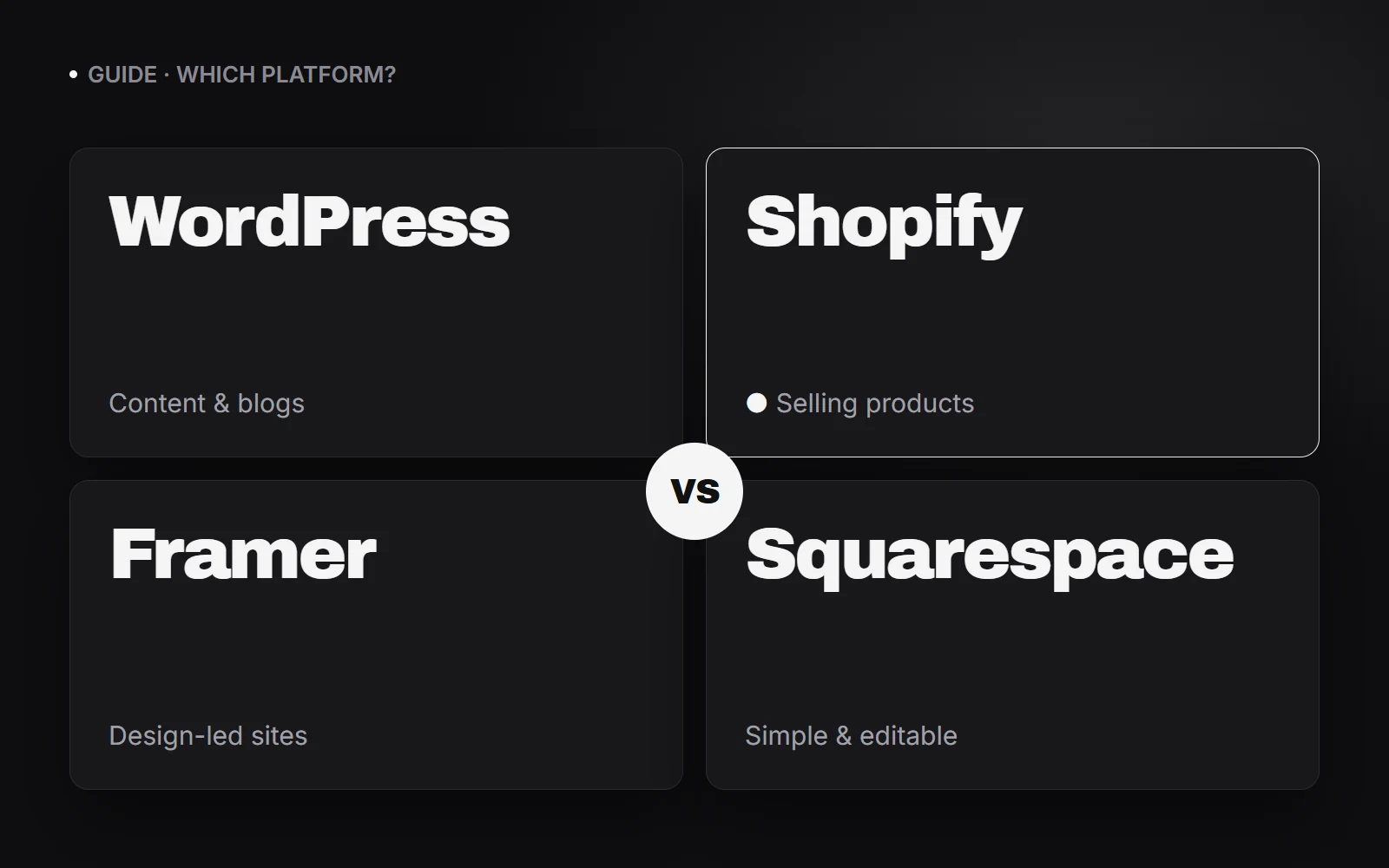
The four platforms at a glance
| Best for | Editing | Watch out for | |
|---|---|---|---|
| Shopify | Online stores selling products | Easy, built for store owners | App costs add up; content pages are basic |
| WordPress | Content-heavy sites, blogs, custom features | Flexible, with a learning curve | Updates, security and speed need care |
| Framer | Design-led marketing and landing pages | Visual, very fast to change | Not built for large stores or complex logic |
| Squarespace | Simple small business sites and portfolios | Easiest of the four | Least flexible as you grow |
Choose Shopify if you mainly sell products
Shopify is built around selling: products, inventory, payments, shipping, taxes and discounts work out of the box, and hosting and security are handled for you. If the shop is the business, it is usually the right call.
The trade-off is cost creep. Many features come from paid apps, and transaction fees apply unless you use Shopify’s own payments. Rich editorial content and complex custom pages are harder than on WordPress.
Choose WordPress if content and flexibility matter most
WordPress powers a huge share of the web because it can become almost anything: a blog, a magazine, a directory, a membership site or, with WooCommerce, a store. You own your site and can host it anywhere.
That freedom comes with upkeep. Plugins and themes need updating, security needs attention, and a site loaded with plugins gets slow. A well-built WordPress site is excellent; a neglected one is a liability.
Choose Framer for a design-led site you edit yourself
Framer gives designers and marketing teams pixel-level control with smooth animations, fast hosting and a simple CMS for blogs and case studies. Changes go live in minutes without a developer.
It is not meant for large product catalogues or heavy custom functionality. For marketing sites, landing pages and portfolios, it is one of the fastest ways to look premium.
Choose Squarespace for a simple all-in-one site
Squarespace bundles templates, hosting, domains, simple e-commerce, bookings and email marketing in one subscription. For a café, a studio, a consultant or a portfolio, it gets you online quickly with very little to maintain.
You trade flexibility for simplicity. Layouts, integrations and advanced SEO controls are more limited, so fast-growing businesses can outgrow it.
When none of them fit: custom code
If you need customer logins, dashboards, booking logic, calculators, a CRM connection or anything the platforms can only do with workarounds, a custom build (for example React or Next.js) is often cheaper in the long run.
Custom sites need to be built with search in mind. A single-page app that renders everything in the browser can be nearly invisible to AI crawlers unless it is pre-rendered or server-rendered.
Which is best for SEO and AI search?
All four can rank well. What matters more is how the site is set up: fast pages, real HTML content, clean URLs, good titles and descriptions, structured data and genuinely helpful pages.
- Shopify and Squarespace handle the basics for you, with less fine-grained control.
- WordPress gives the most control (with an SEO plugin) but is the easiest to slow down.
- Framer is fast and lets you set metadata per page, which makes it good for marketing sites.
- Custom code can be the best of all, or the worst, depending on whether it is pre-rendered.
What it really costs to run
Compare the total, not the headline plan: subscription or hosting, paid apps or plugins, transaction fees, premium themes, and the time (yours or a developer’s) needed for updates and changes. A cheaper plan that needs constant developer help is not cheaper.
Frequently asked questions
Can I switch platforms later?
Yes. Content, products and customers can be migrated, and URLs redirected to keep your rankings. It takes planning, so pick the platform that fits your next two to three years, not just today.
Which platform is cheapest to run?
For a simple site, Squarespace or Framer usually cost the least overall because hosting and maintenance are included. Shopify is good value if you sell products, and WordPress can be cheap or expensive depending on hosting and upkeep.
Which platform can I edit myself without a developer?
Squarespace and Framer are the easiest to edit, followed by Shopify for store content. WordPress is editable too, but more complex sites often need a developer for layout changes.
Is WordPress or Shopify better for an online store?
Shopify is simpler and more reliable for product-focused stores. WordPress with WooCommerce is more flexible and suits stores that are mostly content or need unusual custom features.